
Choose the Right iPhone Before You Switch
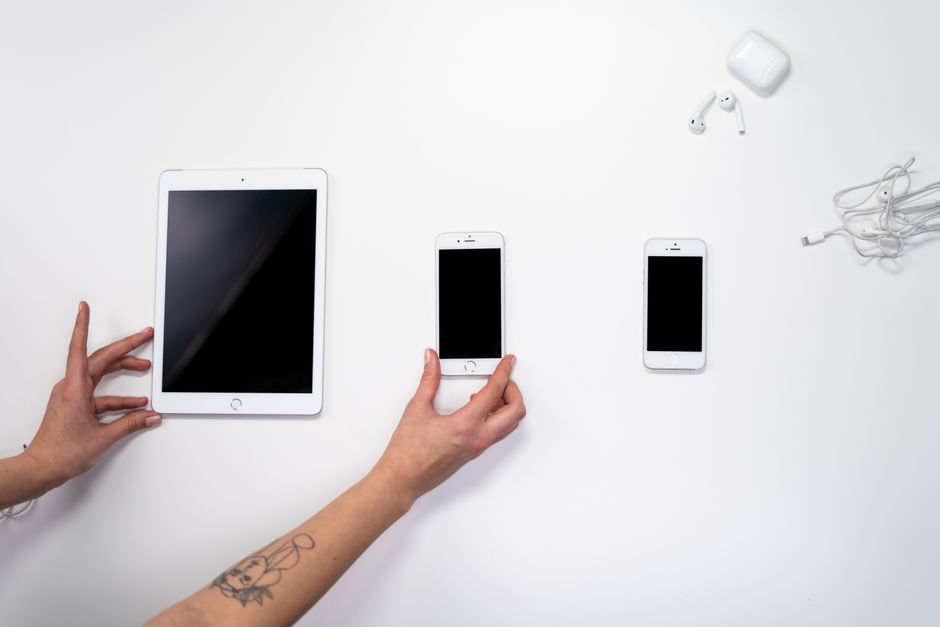
For most Android switchers, choose an unlocked iPhone with enough built-in storage for your current files, then confirm your carrier's eSIM method before paying. iCloud+ can reduce pressure on phone storage, not erase it. If buying refurbished, Apple Certified Refurbished provides a new battery and outer shell, a one-year limited warranty, and savings of up to 15%.
Which iPhone is the best choice for someone switching from Android?
The best choice is the iPhone that fits your carrier, holds your transfer, and leaves room for the way you use it after setup.
Model names come later. Start with the constraints that can turn a good purchase into a bad fit: whether the phone is unlocked, whether its regional SIM hardware matches your plan, and whether the storage can hold the content you bring over.
An unlocked iPhone has a clear advantage for buyers who want carrier choice. Apple's eSIM support guidance states that an unlocked iPhone can use eSIM plans offered by other carriers. That does not replace checking the carrier itself. It sets the condition for choice.
New and Apple Certified Refurbished are both concrete paths. The refurbished route is not a vague promise when it comes from Apple: Apple says each certified product receives full functional testing. Its refurbished iOS devices include a new battery and outer shell, plus genuine Apple replacement parts when needed.
| Option | Who it suits | Cost | Key limitation |
|---|---|---|---|
| Unlocked iPhone | Buyers who want to use eSIM plans from other carriers | not published | Carrier and regional SIM support still require checking |
| Apple Certified Refurbished iPhone | Buyers who want Apple's listed refurbishment process and warranty | Apple advertises savings of up to 15% | Specific available models are not published in the source |
| U.S.-purchased iPhone 14 through iPhone 18 family model listed by Apple | Buyers whose carrier plan supports eSIM | not published | eSIM-only; no physical nano-SIM slot |
Apple's SIM compatibility list draws a hard regional line. The U.S.-purchased iPhone 14 through iPhone 18 families listed by Apple are eSIM-only. Outside the listed eSIM-only markets, the same families use eSIM plus a nano-SIM. Older listed iPhone XR, XS, 11, 12, 13, and iPhone SE (3rd generation) models support eSIM plus a nano-SIM.
Buy the plan, then buy the phone. A phone is a tool; its connection is the handle.
How much iPhone storage do I need if I use iCloud?
You need enough iPhone storage to complete the move and live with the files you keep on the device; iCloud+ gives you cloud capacity, not a substitute for the phone's own storage.
Apple says iCloud Photos can keep high-resolution photos and videos in iCloud while retaining space-saving versions on the device. Apple also says iCloud Backup automatically backs up iPhone and iPad data when the device connects to power and Wi-Fi. Those are two different jobs: photo storage and device backup.
The transfer creates the first test. Apple's Move to iOS instructions say the content being moved, including content on an external MicroSD card, must fit on the new iPhone. Count what must arrive before relying on any later cloud routine.
Apple lists U.S. iCloud+ tiers of 50GB for $0.99 per month, 200GB for $2.99 per month, 2TB for $9.99 per month, 6TB for $29.99 per month, and 12TB for $59.99 per month. A plan can be shared with up to five other family members at no extra cost. The source does not publish a rule that maps a given iPhone storage size to a given iCloud+ tier.
Use the simplest sequence. Check the size of the Android content you intend to move. Choose iPhone storage that can accept it. Then choose iCloud+ based on the backup and photo library you want to keep beyond the phone. The cloud holds copies; the phone still needs a home for the move.
This is the same buying discipline used when readers evaluate new arrivals online before buying: separate what is known from what is assumed. Storage is known. Future habits are not.
Will an iPhone work with my carrier's eSIM plan?
An iPhone will work with an eSIM plan when the carrier supports eSIM for that iPhone and the phone's regional SIM setup fits the plan.
An eSIM is a digital SIM that activates a carrier plan without a physical nano-SIM. Apple publishes a directory by country and region that separates eSIM Carrier Activation, eSIM Quick Transfer, and other methods such as a QR code or carrier app. The method matters because a carrier can support eSIM without using the same setup path as another carrier.
In the United States and Canada, Apple's carrier feature matrix lists eSIM support for carriers including AT&T, Boost Mobile, T-Mobile USA, Verizon, and Xfinity Mobile. The same matrix covers features such as 5G, LTE, VoLTE, Wi-Fi Calling, Personal Hotspot, Visual Voicemail, unlocking, and RCS messaging. Check the row for your exact carrier, not only the word “eSIM.”
Apple states that many carriers support eSIM activation on prepaid plans. It also states that worldwide service providers offer eSIM plans in more than 190 countries and regions. Those facts do not establish support for every carrier, phone, or rate plan. The carrier's entry does.
Before checkout, confirm four things with the seller or carrier:
- The iPhone is unlocked, or its lock status fits your intended carrier.
- The phone's purchase region has the SIM arrangement you need.
- Your carrier supports eSIM and the activation method it uses.
- Your account and plan meet any carrier conditions for unlocking or activation.
Apple notes that carrier unlocking can be conditional, and that some U.S. models remain restricted to their carrier. A low price does not change that rule.
Frequently Asked Questions
What should I check before buying a refurbished iPhone?
Check who refurbished it, whether it is unlocked, the SIM arrangement for its region, and the warranty. Apple says its Certified Refurbished iOS devices receive full functional testing, a new battery and outer shell, cleaning and inspection, and genuine Apple replacement parts when needed. Apple also includes a one-year limited warranty and offers additional AppleCare coverage.
How do I move photos, WhatsApp messages, and contacts from Android to iPhone?
Use Apple's Move to iOS during new-iPhone setup. Apple lists contacts, photos, videos, WhatsApp messages and media, message history, call history, calendars, files, and more among the transferable content. Keep both devices connected to power, ensure the new iPhone has room for the material, and use a USB-C cable for a faster direct connection when available.
If iPhone setup is already complete, Apple says you must erase the iPhone to use Move to iOS; otherwise, move content manually. Music, books, and PDFs also move manually after the main transfer. The cleanest move happens before the first setup is finished.
Sources
- Apple Support: Move from Android to iPhone or iPad
- Apple: iCloud+
- Apple Support: Find wireless carriers and worldwide service providers that offer eSIM service on iPhone
- Apple Support: Learn which type SIM your iPhone or iPad uses
- Apple Support: Wireless carrier support and features for iPhone in the United States and Canada
- Apple: Discover the Apple Certified Refurbished Promise